Your family name.
Your inbox.
Give everyone in your family an email address they're proud to share, on a domain that's yours.
Register a new domain or bring your own. From $19/mo
Everything your family needs.
Nothing it doesn't.
A mailbox for everyone
mike@, emma@, grandma@, everyone gets their own address on your family domain.
We handle the hard part
You choose the name and add your family. We set up servers, security, and everything technical behind the scenes.
No ads. No scanning.
Your inbox stays between you and your family. Period.
Yours to keep
You own the domain. Switch providers anytime, export your data, take your addresses with you. Never locked in.
Your free email was never yours.
They scan your conversations
Free email providers read your messages to serve you ads. Every conversation analyzed. Every attachment scanned for ad targeting.
You're renting, not owning
If your provider changes terms, locks your account, or shuts down, you lose your address and everyone who knows it.
john.smith.4718@freemail.com
Generic, forgettable, shared with millions of other Smiths. Your family deserves an address that sounds like yours.
Free until it isn't
15 GB filling up. Features locked behind premium tiers. Terms rewritten overnight. The price of "free" keeps rising.
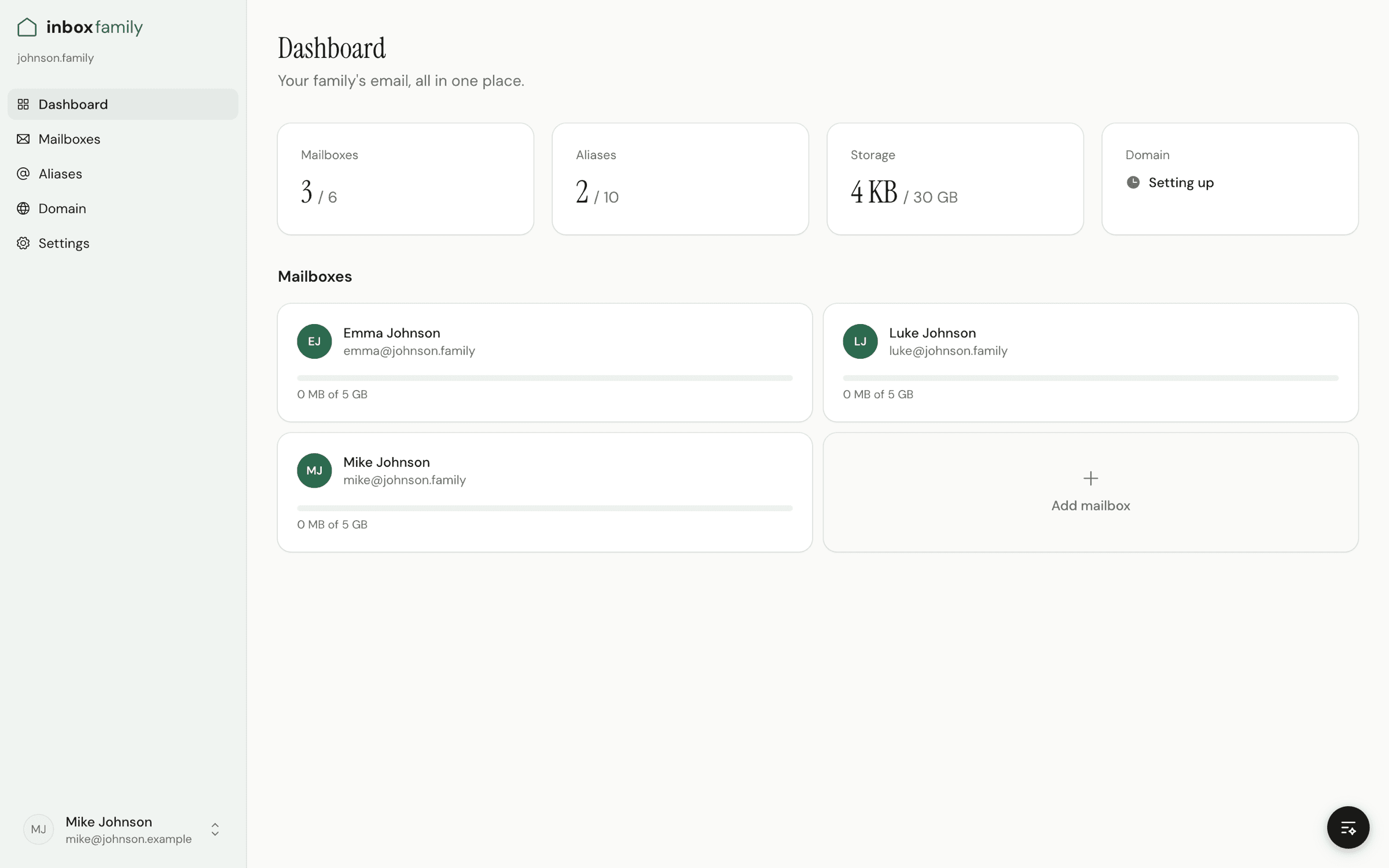
Manage everything from one place.
Built for parents, not IT departments.
Create accounts for your family, set up shared addresses, and see everything at a glance. No manuals, no training, no experience needed.
- Add a family member in three clicks
- Create shared addresses like family@
- Security and updates handled for you
Check your mail the way you always have.
- In the app you already use
- Type your address and password into the app you already have. It sets itself up from there, with nothing to configure.
- Apple Mail
- Outlook
- Thunderbird
- iPhone
- Android
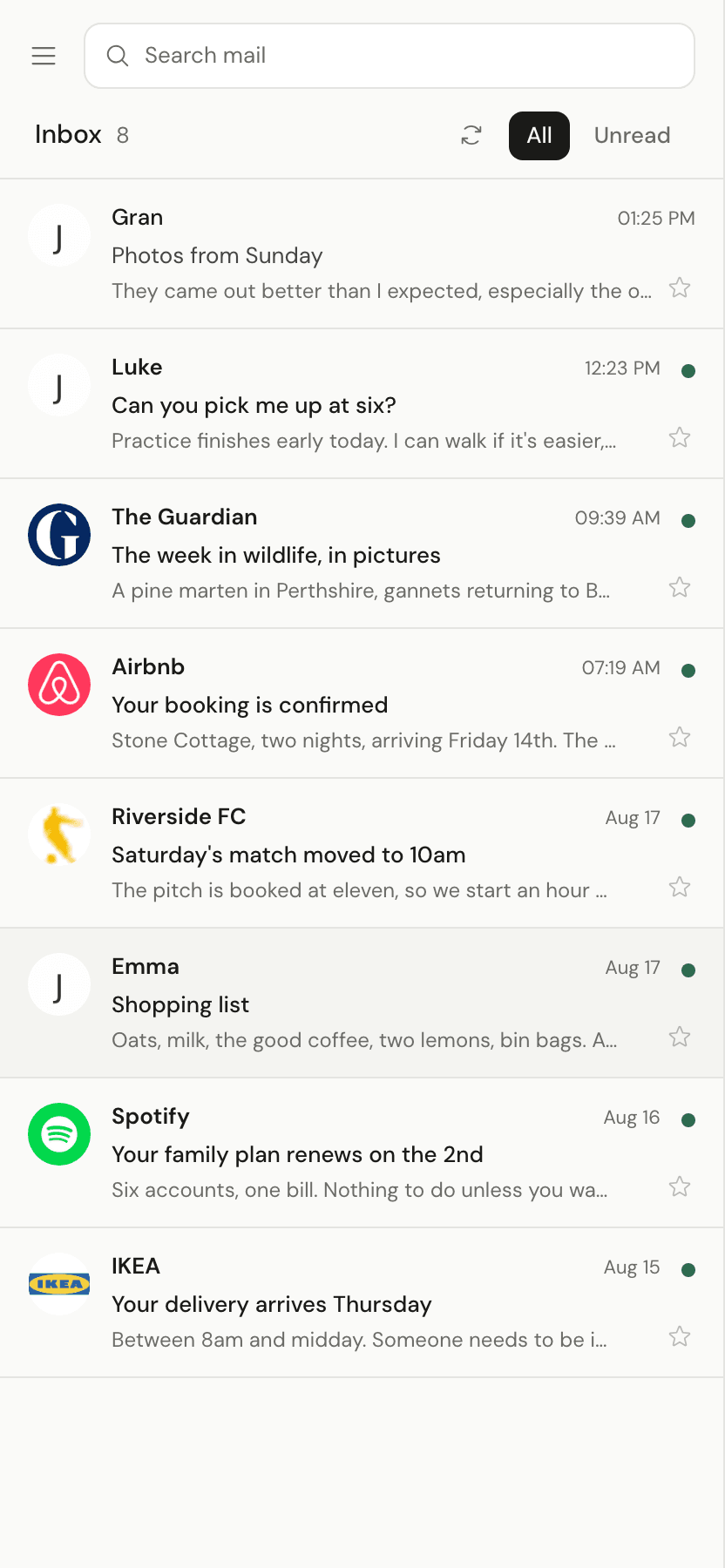
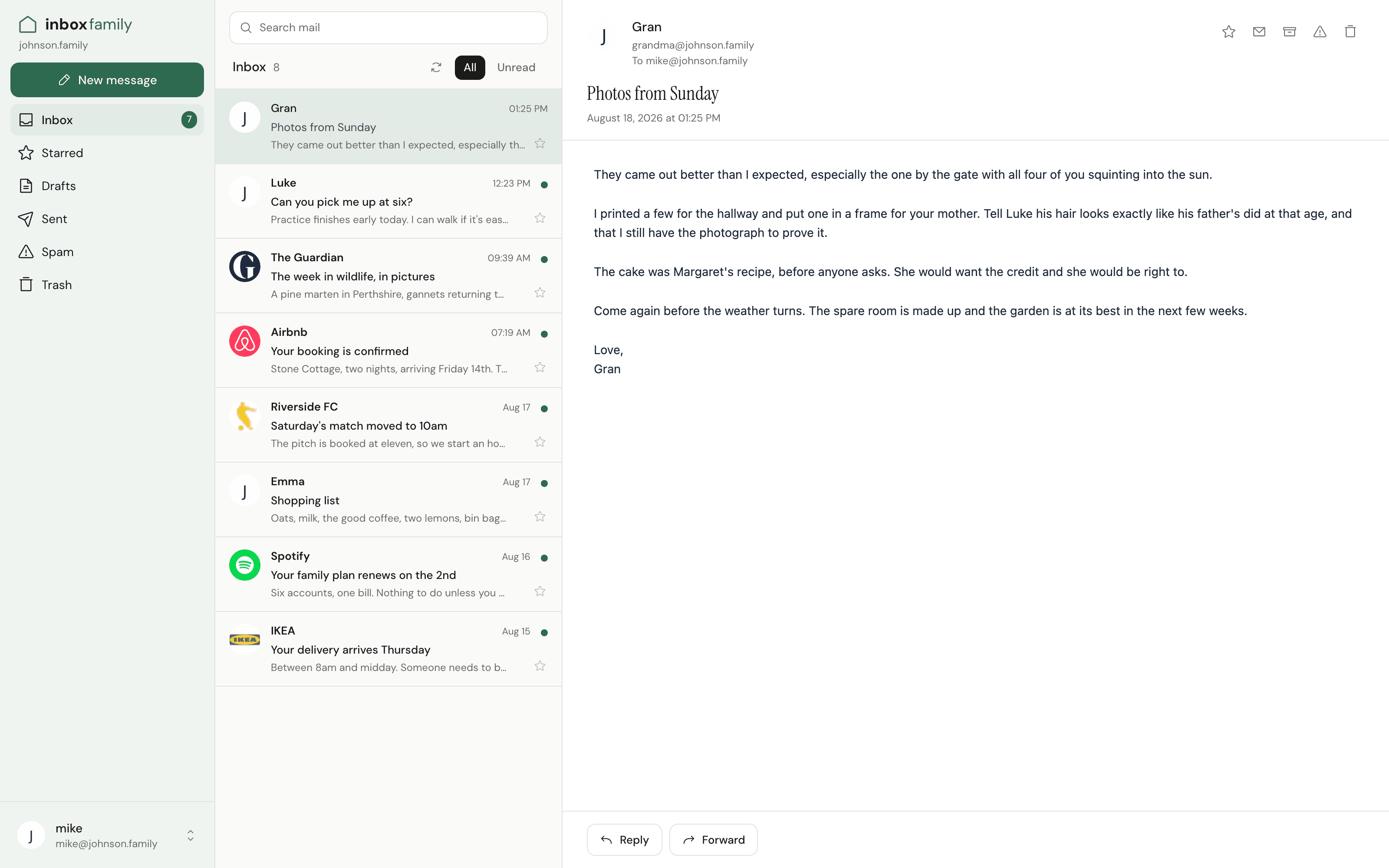
- Or in our webmail
- One tab, your whole inbox. Simple on purpose, and as comfortable on a phone as on a laptop.
Your inbox, in ChatGPT.
Sign in once, then ask in plain words. It sorts and tidies your mail, and it never sends or deletes a thing.
- Find the invoice from the plumber
- Archive everything from the school newsletter
- Which emails still need an answer?
- What it can do
- Find, read and summarize messages
- Move mail to folders, or archive it
- Mark as read, flagged or spam
- Save a draft reply for you to send
- What it can't
- Send an email
- Delete mail for good
Works with AI assistants that support connections, such as ChatGPT. Disconnect any time in your webmail settings. Children's mailboxes can never be connected.
Get started in five minutes.
Pick your domain
Search for the perfect family domain. See the price, pay, and we handle the rest: registration, security, everything.
Create mailboxes
Add up to 6 family members. Choose their addresses, set passwords, done.
Start emailing
Add your new address to your phone, laptop, or tablet. Auto-configuration makes it a one-minute setup.
One family. One plan.
Common questions
Do I need technical knowledge?
None at all. We handle the technical setup. You pick your domain, create your mailboxes, and start sending email.
What domains can I use?
Thirteen endings, chosen so your mail arrives. The familiar ones first: .com, .org, .net. Ones that read like a family: .casa, .me, .love, and .family. Ones for a group of friends: .club, .group. Two country endings, .uk and .us, and .us is for US citizens and residents only. Prices run from $8 to $43, and we show you the exact one before you commit. If you want an ending we do not sell, buy the domain wherever you like and bring it: any domain works here.
What about the domain cost?
You pay for the domain once, when you sign up: $15 for a .com, more for endings like .family. Every renewal after that is on us, for as long as you stay. We show you the exact price before you buy.
I already have a domain. Can I use that?
Yes, and then you only pay for the mailboxes. Your domain has to point at us, which is a handful of records at whoever keeps it. Hand us an API key for one of the providers we can talk to and we add them for you, and keep them right afterwards. Everywhere else we show you exactly what to paste and check the records live until they are all there.
Is there webmail, or do I need an app?
There is webmail, at webmail.inboxfamily.com. Everyone signs in with their own address, on a laptop or a phone, with nothing to install. Conversations, search, folders, attachments, and drafts that save themselves. If you would rather use the app you already have, that works too.
Which email apps are supported?
Any app that speaks IMAP and SMTP, which covers the ones people use: Apple Mail, Outlook, Thunderbird, Samsung Email. Most of them find the right settings on their own once you type in your address and password.
How do I pay?
By card, through Stripe, which handles the payment and the receipts. We never see your card number. The domain is charged once at the start, the $19 monthly follows, and both appear on the same first invoice. The $19 is the whole price: we carry the tax, whatever country you are in.
Can I cancel anytime?
Yes. No contracts, no cancellation fees. Your domain stays with you even if you leave, you own it, not us.
Can I move my existing emails over?
You can import emails from your old account using any standard email client. Set up both accounts, then drag and drop. Your new address works immediately, no waiting period.
What if I need more than 6 mailboxes?
Reach out to us. We're happy to accommodate larger families. You also get 10 aliases and a catch-all address, which covers most needs without extra mailboxes.
Can I use my email with an AI assistant?
Yes. Connect your AI assistant to your mailbox once, signing in with your InboxFamily address and password, then ask in plain words: find the invoice from the plumber, archive the school newsletter, which emails still need an answer. Any assistant that supports connections, such as ChatGPT, will do. If you run the family's domain, you can also create mailboxes, add shared addresses and change names from the same chat.
Can an assistant send or delete my email?
No. It can find, read and summarize your mail, move it to folders, archive it, mark it read, flagged or spam, and save a draft reply. Sending and deleting for good are blocked on our side, not left to the assistant, so a draft waits until you send it yourself.
Is it safe to connect an assistant?
It reaches your own mailbox and nothing else, and it cannot send or delete. One thing worth knowing: an email can contain text written to trick an assistant into doing something. That is exactly why sending and deleting stay off on our side. Nothing it can do in your mailbox is permanent: anything it moves can be moved back, and you can disconnect it in a moment.
Who sees my messages when an assistant reads them?
The company that runs your AI app. When it reads a message for you, that text goes to them and is handled under their terms, like anything else you share with it. Your mailbox stays with us; what the assistant looks at to answer you goes to them. If that isn't right for your family, simply don't connect one.
Can my kids connect an assistant?
No. Children's mailboxes can never be connected. The family admin can also see which mailboxes have an assistant connected.
How do I turn it off?
Open Settings in webmail, find Assistants, and choose Disconnect. It stops working right away, and you can connect again later if you change your mind.